CoordOps Red Team Platform Documentation
CoordOps is an integrated red team platform built around a practical desktop client. The client gives operators a single workspace for creating sessions, running scanners, launching common tools, parsing output, reviewing targets, tracking evidence, using AI assistance, and keeping engagement data organized from discovery through reporting.
CoordOps can run as a standalone workstation tool or connect to the server for shared sessions, findings, reporting, and team collaboration. The console supports command-line automation and headless use, while the embedded and DropBox components support field-device and remote-node workflows when an engagement needs them.
Key Features
- Client-first workflow: Use the desktop client as the main operator interface for sessions, tools, scans, evidence, and reports.
- Integrated scanners and utilities: Work with Nmap, Nuclei, SQLMap, Wfuzz, OpenVAS/GVM, ZAP, MSFVenom, OCR, tunneling, parser, and network-map tools from the GUI.
- Active Directory tooling: Use built-in windows for LDAP queries, Kerbrute, Impacket, NetExec, BloodHound CE, Certipy, Coercer, Responder, and AD enumeration data.
- AI-assisted operations: Use AI Chat plus focused agents for web UI testing, web API testing, and Active Directory enumeration.
- Session data management: Store hosts, services, credentials, findings, command output, checklists, notes, screenshots, and imported tool results in engagement sessions.
- Automation options: Use the console, Lua scripting, WebSocket workflows, and Node-RED integration for repeatable workflows.
- Plugin development: Extend the client, server, or console with custom plugins built for your own workflows.
- Flexible deployment: Install the client or server with Windows installers, or install Linux packages with
apt install ./package.deb.
CoordOps Client
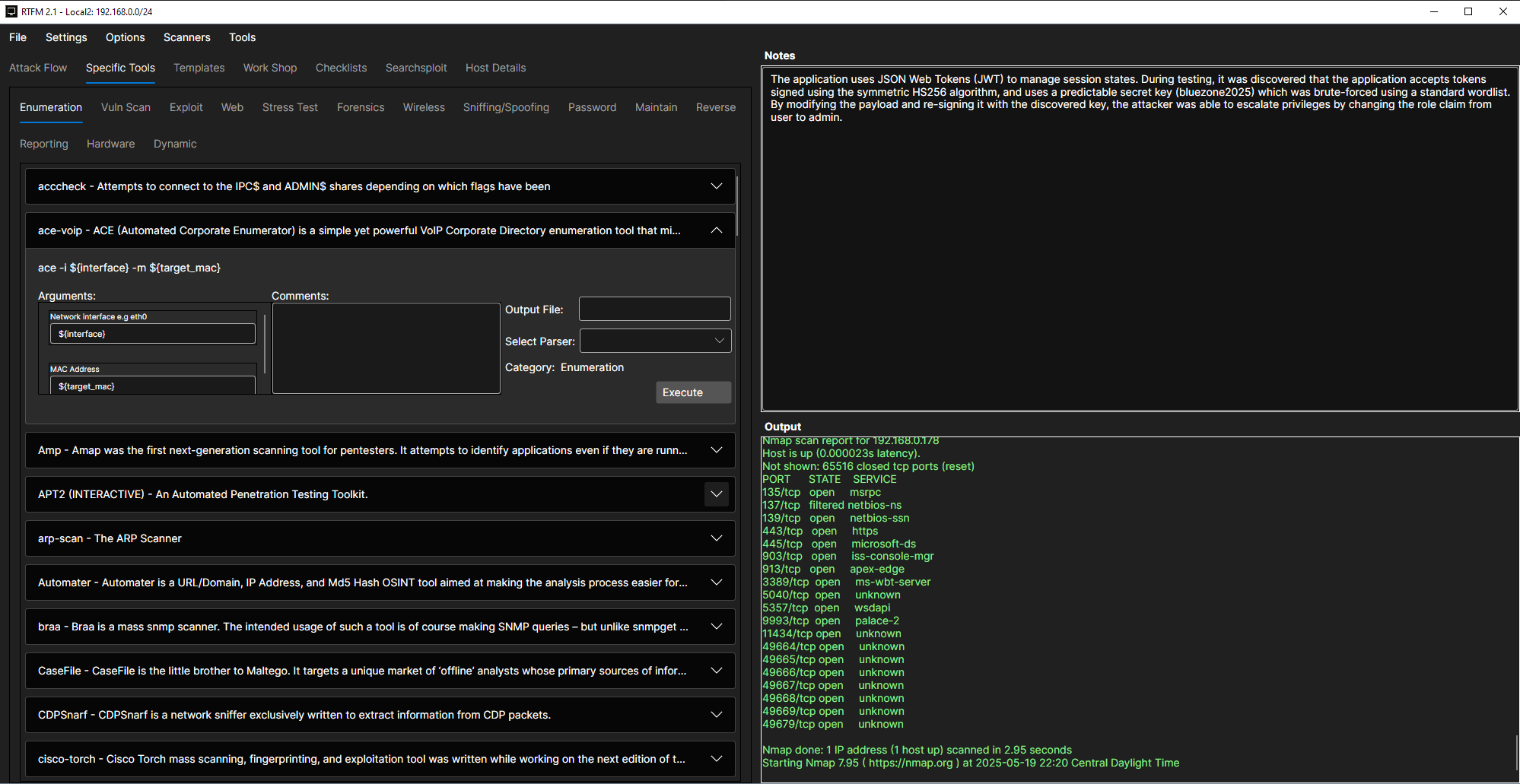
The CoordOps Client is the primary operator workspace. It combines scanning, command execution, tool-specific windows, session data, AI assistance, and reporting helpers in a cross-platform Avalonia application.
Common Client Tasks
- Create or open a session.
- Add the target scope and configure session settings.
- Run discovery and scanner workflows.
- Parse tool output into hosts, services, and findings.
- Use AI Chat or a focused AI agent to analyze results and plan next steps.
- Track evidence, checklists, command output, and report material in the session.
CoordOps Server
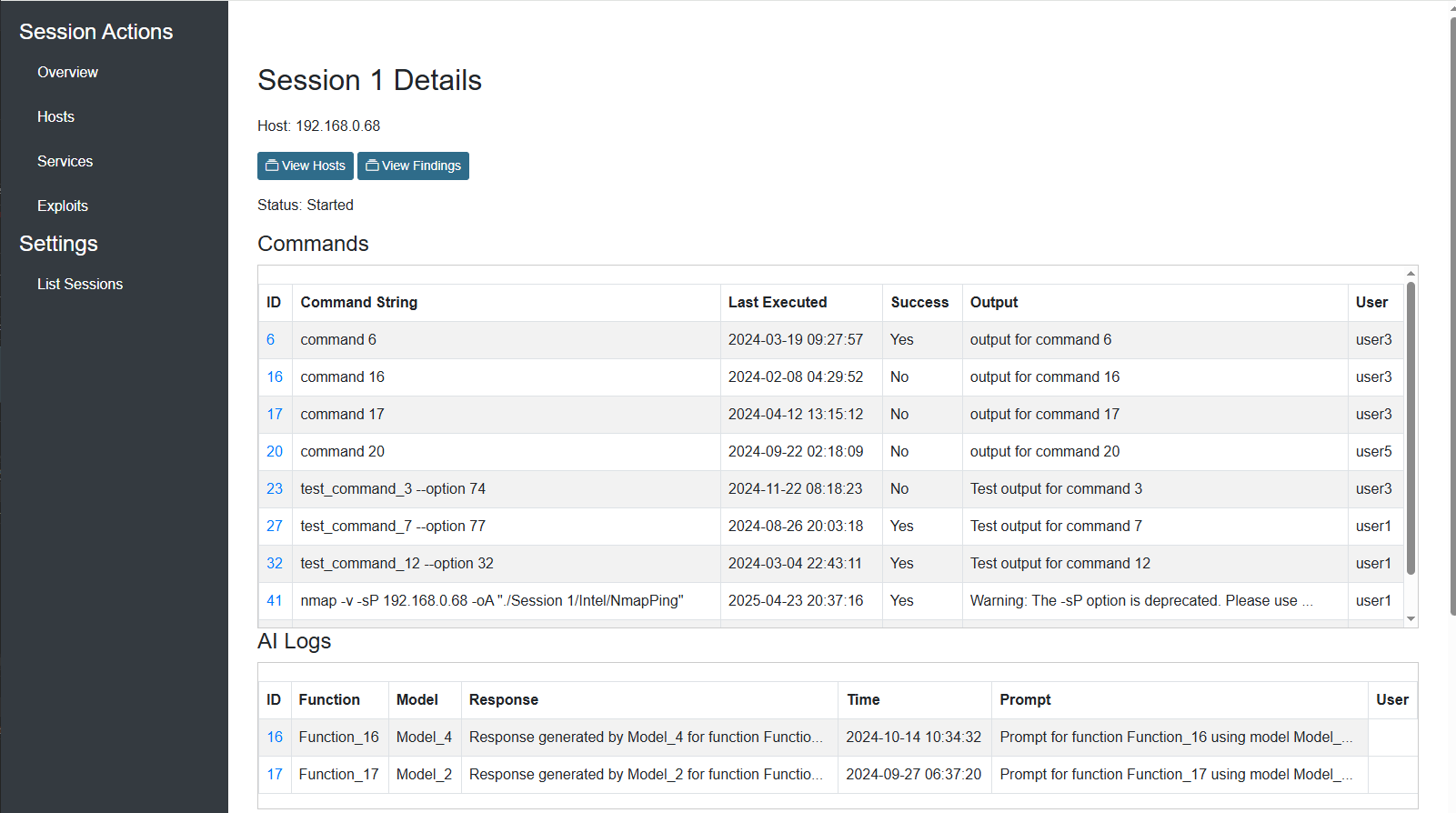
The CoordOps Server is the collaborative web application for teams that need centralized sessions, user access, findings, reports, and shared engagement data. It is installed with a Windows installer on Windows or a .deb package on Linux.
Use the server when multiple operators need to share data, when findings and report generation should live centrally, or when client and console activity should sync to a common backend.
CoordOps Console
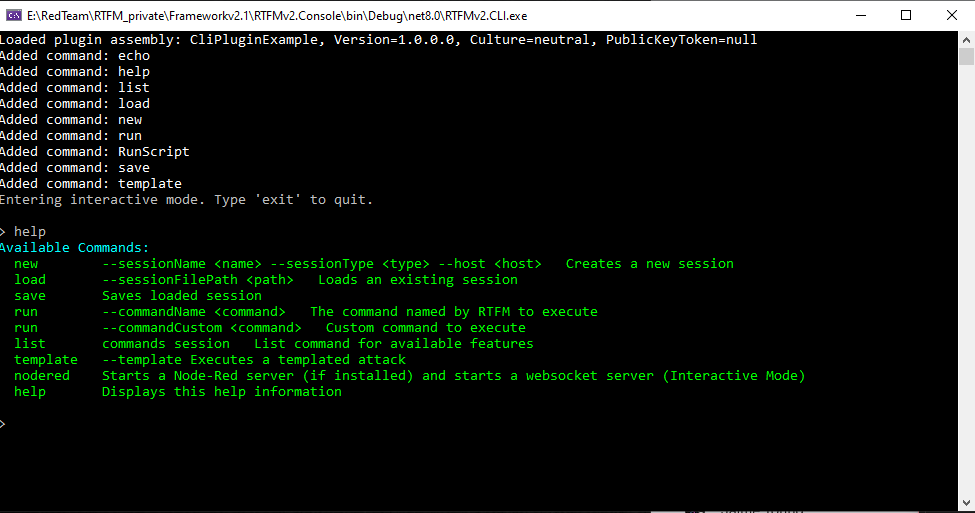
The CoordOps Console is the command-line interface for scripted workflows, headless systems, and automation. It can create and load sessions, run commands, parse outputs, sync data, expose WebSocket workflows, and integrate with Node-RED.
Field Components
CoordOps.Embed provides a touch-friendly embedded interface for field devices, including WiFi, packet capture, Bluetooth, RF/SDR, RFID/NFC, Zigbee, IoT/MQTT, GSM, HackRF, GPS, and system-control workflows.
CoordOps.DropBox supports deployable remote-node scenarios. Use the DropBox Editor to build, validate, dry-run, export, and deploy a remote node with an exported profile, encrypted secrets, selected tools, optional CoordOps components, built-in shell agents, and attached payload services.